
Yuba County VINE Coverage
The Yuba County Sheriff's VINE page names the local service California State VINE. It costs nothing. It stays anonymous. English and Spanish both work, around the clock, every day of the year. Yuba County Jail takes part, and the county says its booking system feeds updated arrest information to VINE through an interface every 15 minutes. That interval is documented, but it is not a promise that any given arrest becomes searchable a quarter hour after it happens. Custody, not arrest history, is what VINE tracks. It can locate someone currently tied to a participating facility and report later custody changes. A person may still show up in VINE even after the RIMS arrest entry has passed its date window. Once someone is released, VINE status may shift while the Superior Court case stays open. That gap is normal. Custody and court outcomes live in separate records. The official county VINE information page documents Yuba County participation and the jail interface.
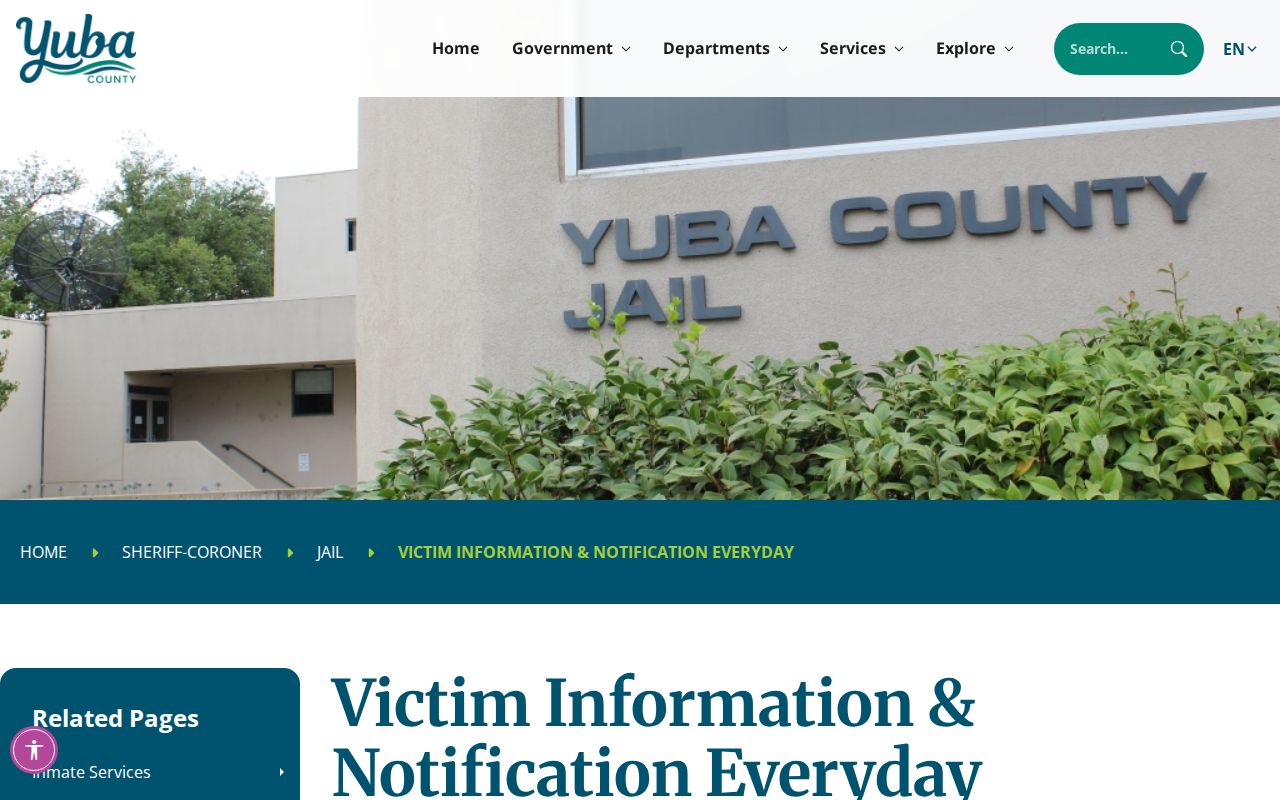
For coverage and timing details, the county's own instructions are the authority. VINELink handles the working end. It supplies the search screen and the registration screens visitors actually use.
Check a Yuba Arrest on VINELink
Start with enough identifying detail to single out the right person. Lookalike names can return several matches. Check the offender number and facility before picking any result. VINELink never replaces the booking record itself. When you need the actual record, turn to the official Yuba arrest sources.
- Open California State VINE on VINELink and select the Yuba County Sheriff's Department or the relevant participating agency.
- Search by the person's name. Use an offender number when it is already known, since an identifier can reduce confusion between similar names.
- Review the returned custody status and location. Check identifying details carefully before acting on a result.
- Record the date and time checked. Custody information changes, and a saved result can become stale after release or transfer.
- Call Yuba County Jail at (530) 749-7740 when an immediate or safety-critical confirmation is necessary.
A blank result does not mean no arrest happened. Booking may still be in progress. The person might have been cited and released. They could be held somewhere else or already out of custody. For the event itself, search the Yuba County same-day arrest view. Then check the RIMS roster for present county-jail status. The Yuba County VINE search screen shows the participating county selection. It is the screen used for a specific-person lookup.
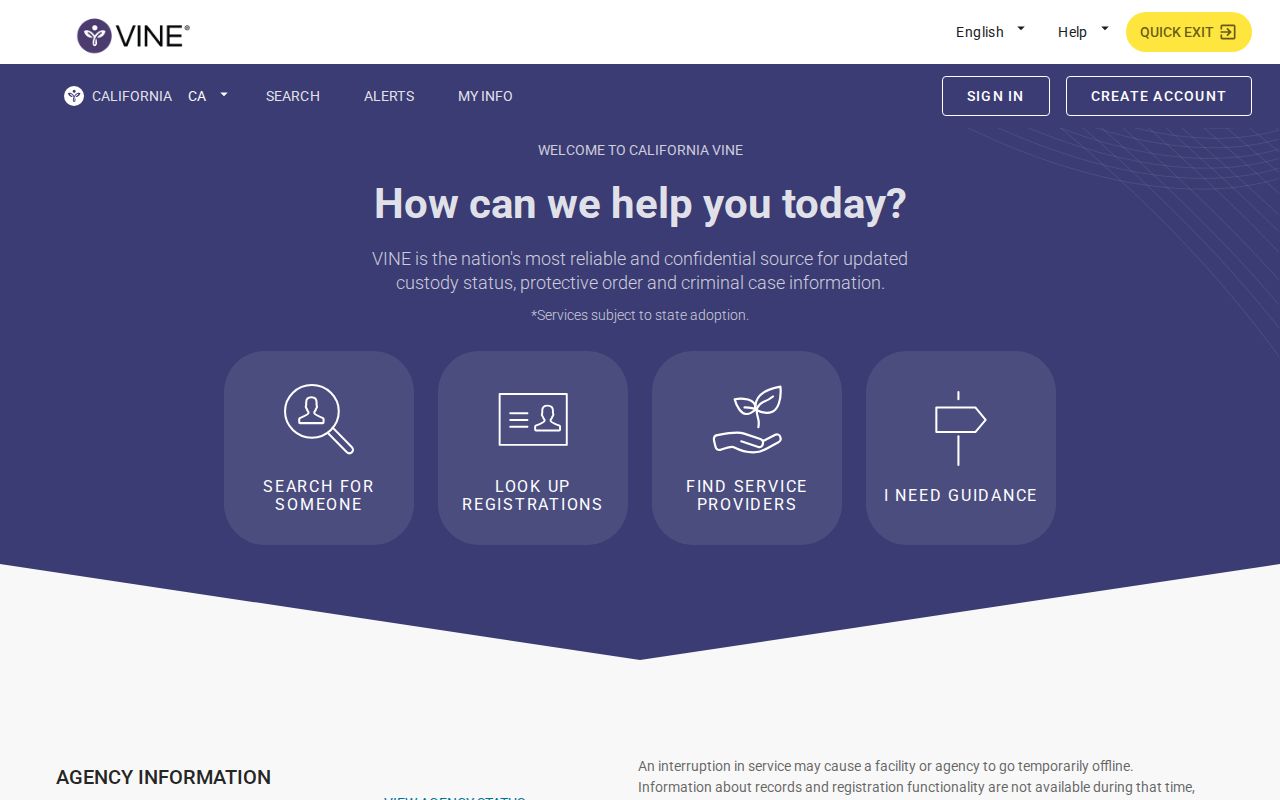
VINELink tracks custody, not photos. It matches one Yuba County arrest. No roster browsing here. Use it to check who is in custody.
Yuba VINELink Result Fields
A VINE result is deliberately narrower than the county roster. It serves identification and notification. Expect no full arrest entry. There is no charge array, no bail data, and no court register. Fields reflect the moment of the search, so read them accordingly.
| VINELink information | How it helps |
|---|---|
| Custody status | Shows the current state reported through the participating agency's VINE interface. |
| Location or facility | Identifies the reported custody site and can change after a transfer. |
| Offender number | Helps distinguish the selected person from others with similar names. |
| Release or transfer event | Can trigger a registered notice after the agency reports the change. |
| Not supplied as a case answer | VINELink does not decide guilt, show final disposition, or serve as a complete booking record. |
For a deeper current booking view, the Citizen RIMS incarcerated-person roster can show booking ID, agencies, dates, status, charges, bail, and possible release fields. Public inmate photographs are disabled. For the case outcome, use Yuba Superior Court Online Case Access.
Register for Yuba Custody Alerts
Registration begins after a successful person search. The county describes notices for release for any reason, escape, return after escape, transfer, and advance release information when available. Treat each alert as a prompt. When personal safety rides on the timing, confirm directly with the jail.
- Open the correct person record and choose the registration option tied to that record.
- Select an available contact method, such as telephone or email, and enter the requested contact details.
- Create or retain the requested PIN or confirmation information. It is used to manage or confirm telephone notification activity.
- Review which custody events are selected and finish registration. Keep the confirmation separate from the person's identifying details.
- Update the registration if the contact number or email address changes.
Never register against a merely similar name. A wrong match means alerts about a stranger. If identity is uncertain, compare the offender number and facility, then ask the jail which public identifier confirms the booking. The VINELink registration flow displays the controls used to choose and confirm a notification method.
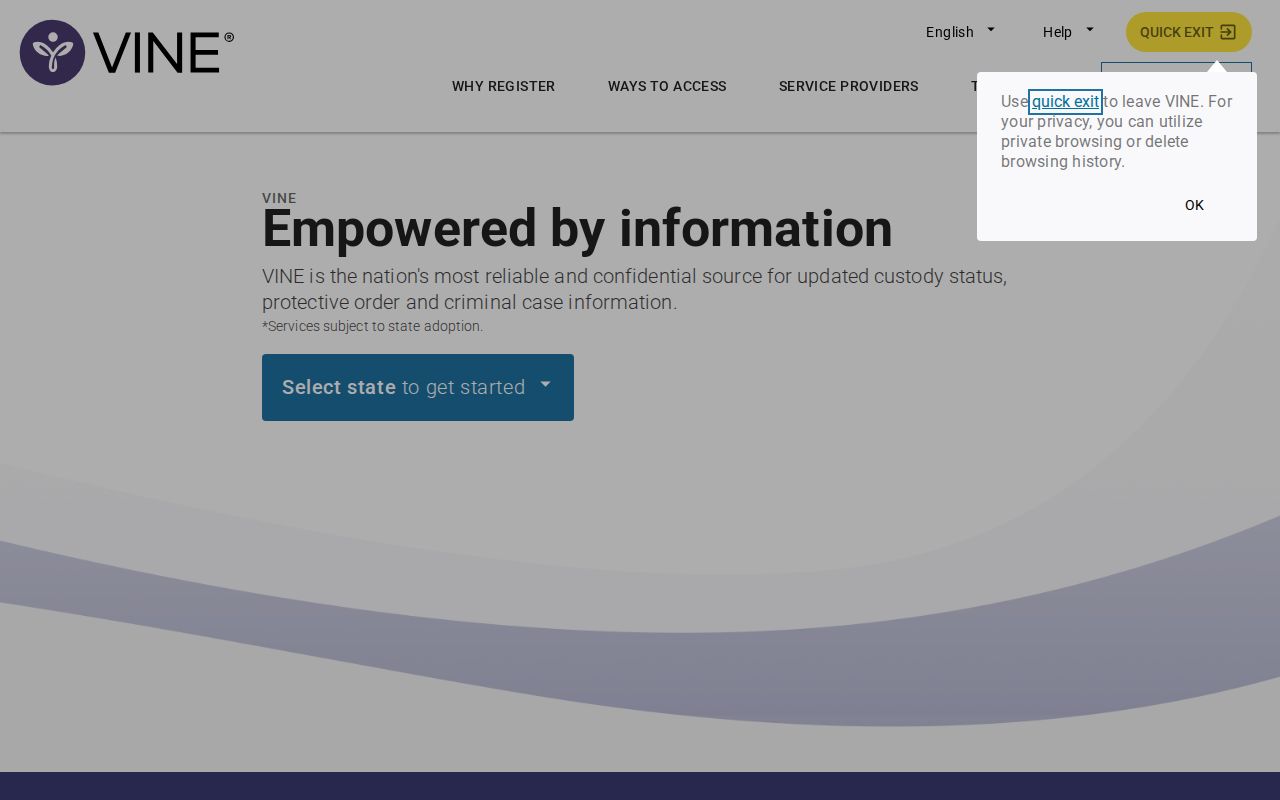
Fill in the registration screen with your own contact information. Attach it to the verified person's record. Nothing else should go on the form. That pairing is what makes the alerts trustworthy.
Yuba VINELink Timing Limits
The 15-minute interface cadence is the best local timing fact, but its scope is precise. It covers only the jail system's updates to VINE. It does not promise instant booking completion. Nor does it promise immediate VINELink display or a 15-minute refresh for Citizen RIMS. A fresh arrest moves through identification, intake, booking, and publication. Only then is its custody record ready for an alert registration. Match each system to the question at hand. Citizen RIMS arrests shows whether a recent arrest entry was published. The incarcerated-person roster shows whether a completed booking sits at Yuba County Jail. VINELink answers current custody and change-notification questions once the right person is found. Superior Court answers what happened in the case. When the arrest date is unclear, the Yuba County Arrest Log gives the wider recent-date view.
When Custody Leaves Yuba County
A VINE registration only tracks offenders held in participating county custody. Yuba County arrests move out of that system once a sentence sends someone elsewhere. State prison cases land with the California Department of Corrections and Rehabilitation. For those people, search CDCR CIRIS using a name or CDCR number. CIRIS returns the CDCR number, age, current location, commitment counties, admission date, and parole-hearing details. It still is not the original Yuba County booking record.
Federal inmates sit in a separate database. The Bureau of Prisons Inmate Locator reaches back to 1982. It lets you search by register number or name with extra filters. Immigration detention is different again. The ICE Online Detainee Locator handles those cases. Yuba County VINE supplies neither system. Neither works as a source for county booking photos.
- Booking
- The intake process that creates the jail record after an arrest.
- Transfer
- A move from one custody location or authority to another.
- Disposition
- The court's final resolution of a case, which VINELink does not provide.
- Custody alert
- An automated notice triggered by a reported change in a selected person's status.
The YCSO mobile app sits apart from all of this. Its App Store listing covers tips, crime reporting, and public-safety news. Inmate lookup is not on the menu. Booking photographs are not either.
Community alerts and social posts serve a real purpose. They simply cannot stand in for a specific VINE registration. When custody status matters to you, register with VINE. Let the notifications do the work.